
Odoo Community is an exceptional, cost-effective way to get a business off the ground. For startups and small operations, its open-source framework offers just enough flexibility to manage day-to-day tasks without heavy software overhead.
But growth changes the game. As your team expands and workflows become more intricate, you might find yourself spending more time building complex workarounds than actually doing the work. If your community version feels like it’s holding you back, it’s likely time to graduate.
However, migrating from Odoo Community to Enterprise isn’t just a simple software update. It’s a strategic and coordinated shift to a fully supported, scalable platform. Here is how to know when to make the jump and how to execute the move seamlessly.
Why Upgrade? The Enterprise Advantage
While the Community version handles the basics, Odoo Enterprise unlocks the full, premium ecosystem designed for scaling businesses. The primary advantages fall into three categories:
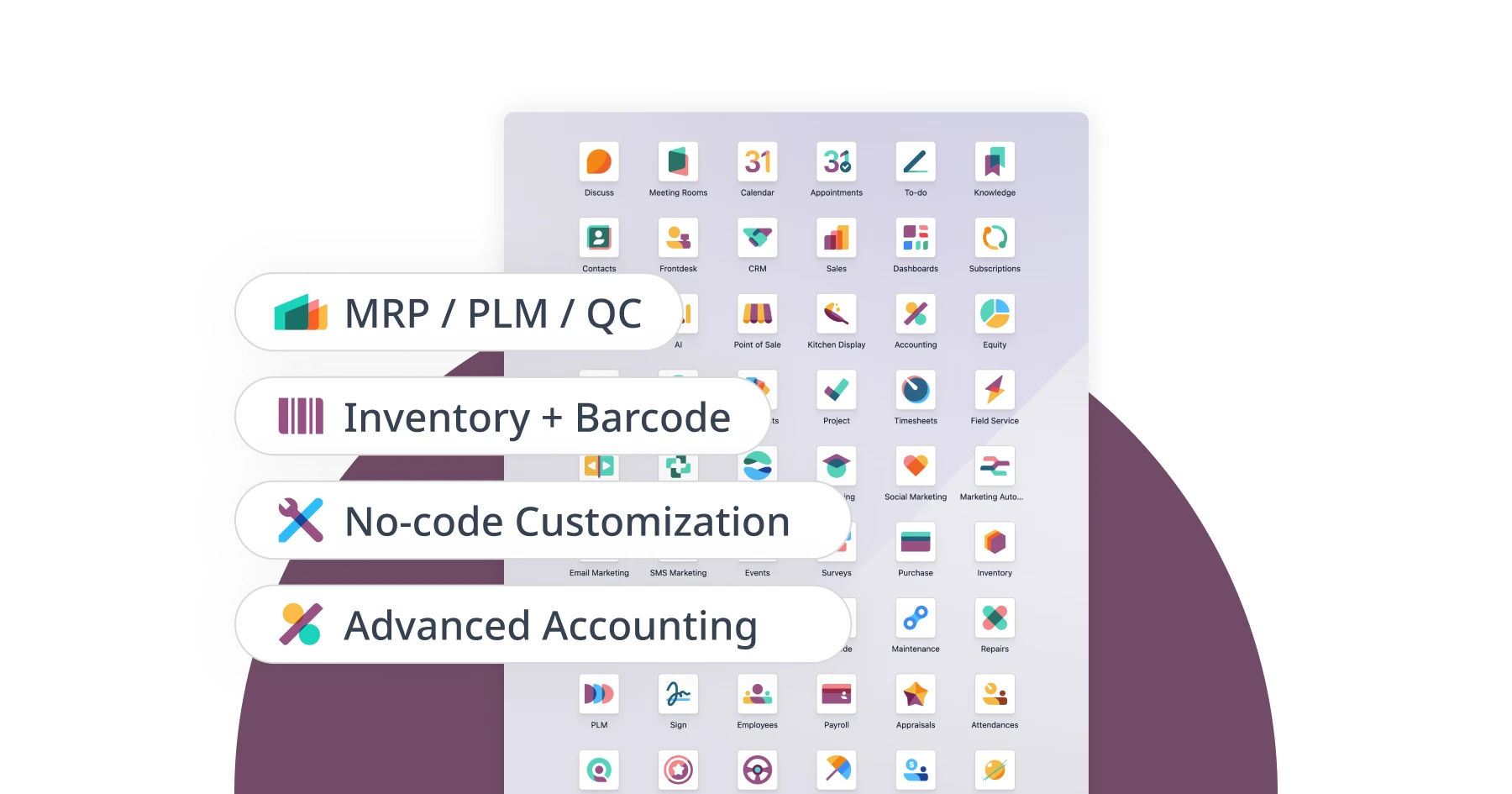
1. Access to Advanced Apps
This is the most common catalyst for a migration. Enterprise introduces specialized modules that simply is not available in the Community version:
Advanced Accounting: Dynamic financial reporting, automated bank synchronization, and AI-powered invoice recognition (OCR).
Odoo Studio: A low-code/no-code tool that lets you customize apps, screens, and reports on the fly without breaking your base code.
Advanced Manufacturing (MRP): Full production planning, quality control, maintenance tracking, and Product Lifecycle Management (PLM).
Inventory & Barcoding: Advanced routing, barcode scanning capabilities, and native shipping carrier integrations (essential for North American logistics).
Field Service & Helpdesk: Dedicated tools for managing mobile workforces, online appointments, and customer support tickets.
2. A Modern, Mobile-First Interface
The Community user interface can feel restrictive and outdated for modern teams. Enterprise offers a redesigned, responsive UI built optimized for tablets and smartphones, crucial for warehouse staff, sales reps on the road, and remote teams.
3. Official Support and Additional Hosting Options
When you move to Enterprise, your license includes functional support directly from Odoo. Your team also opens up the possibility to working with Odoo partners, not just ones familiar with the community version. It also grants you access to Odoo’s official database upgrade script. Furthermore, it opens up additional hosting options like Odoo.sh, a cloud platform tailored specifically for managing custom modules.
Your Migration Roadmap: A 6-Step Strategic Plan
A successful ERP migration isn't about flipping a switch over the weekend. It requires methodical planning to protect your data and minimize downtime.
Step 1: Pre-Migration Analysis
Before touching any code, audit your current setup. Identify your exact operational pain points in Community, review your existing integrations, and map out your budget for licenses and implementation.
Step 2: Data Cleanup
Migrating cluttered data into a brand-new system is a recipe for post-launch headaches. Take the time to merge duplicate customer profiles, purge outdated records, validate product SKUs, and clean up your vendor data.
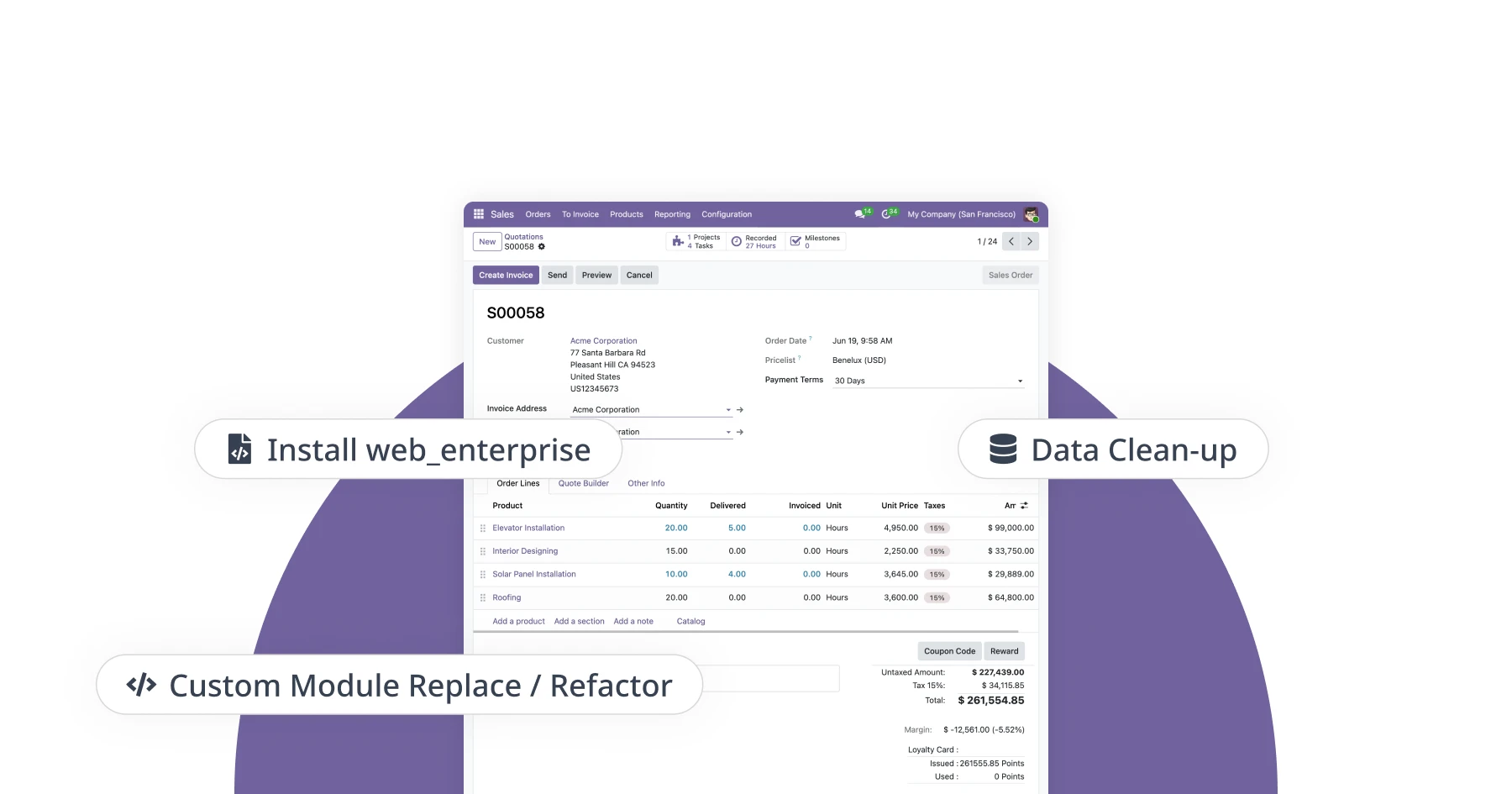
Step 3: Custom Module Strategy
If you have custom-built modules in your Community database, you need to decide their fate. Decide on one of the three options:
Eliminate: Drop the custom module if a native Enterprise functionality exists.
Replace: Swap out legacy code for a supported, up-to-date third-party application.
Refactor: Rewrite the custom code so it aligns perfectly with the Enterprise framework.
Step 4: Rigorous Testing
Never push a migration straight to production. Create a secure staging environment, run a trial data migration, and have your team conduct thorough User Acceptance Testing (UAT) to ensure your daily workflows function exactly as expected.
Step 5: Activating the web_enterprise Module
This is the technical bridge between the two environments. Once you purchase your Enterprise license and add the Enterprise source code to your server, you must explicitly install the web_enterprise module.
What does web_enterprise actually do? It replaces the Community web client with the Enterprise framework. Installing it triggers the modern grid dashboard, unlocks restricted backend features (like Odoo Studio and advanced spreadsheet widgets), and pings Odoo’s servers to validate your database license.
The Pitfall to Avoid: A common mistake in DIY migrations is adding the Enterprise code to the server but forgetting to actually install the web_enterprise module. Without activating this specific module, your system will continue to behave like the Community version, potentially causing integration conflicts. This step should always be tested first in your staging environment.
Step 6: Go-Live & Post-Launch Support
With testing complete, schedule a window of planned downtime (typically over a weekend) to execute the final data migration and activate your Enterprise modules. Ensure you have technical support on standby for the first week of operation to answer user questions and quickly smooth out any minor transition friction.
Where does OERP come in?
Unless you employ an in-house team of full-stack Odoo developers who have successfully managed ERP migrations before, attempting a solo transition introduces unnecessary risk to your business operations.
As an Odoo Gold Partner, OERP Canada helps businesses navigate this transition smoothly:
Real-World Experience: We know exactly which legacy Community modules tend to conflict with Enterprise upgrades, allowing us to proactively bypass common roadblocking errors.
Direct Access & Priority Support: Our team works with Odoo Enterprise’s core codebase, ensuring your data is handled securely and efficiently.
End-to-End Execution: From initial database audits to custom code refactoring and post-launch training, we handle the technical heavy lifting so your business doesn't miss a beat.
Ready to Scale Your Operations?
If your team is outgrowing Odoo Community, let’s make your transition to Enterprise seamless, secure, and stress-free. Contact OERP Canada today for a comprehensive migration assessment.